

How Website Speed Affects User Experience and Conversions
Website speed affects how quickly visitors can understand and use a page. When important content appears slowly, buttons respond late, or the layout shifts while someone is trying to interact, even interested visitors can become frustrated.
Speed is also not one simple number. A website can show a fast server response but still feel slow because the main content appears late, JavaScript blocks interaction, images move the layout, or third-party tools delay the page.
Why Website Speed Matters for User Experience
Visitors can reach useful content faster
People normally arrive with a task: read information, compare an offer, contact the business, buy something, or complete another action. Slow loading delays that task.
Fast interaction feels more reliable
When menus, filters, forms, and buttons respond quickly, the website feels more predictable. Long interaction delays can make users click repeatedly or assume something is broken.
Stable pages reduce mistakes
Unexpected layout movement can cause visitors to click the wrong button or lose their reading position.
What Are Core Web Vitals?
Google’s current Core Web Vitals are metrics designed to evaluate important parts of real-world user experience.
According to Google’s current Core Web Vitals documentation, a good experience at the 75th percentile aims for:
- Largest Contentful Paint (LCP): 2.5 seconds or less
- Interaction to Next Paint (INP): less than 200 milliseconds
- Cumulative Layout Shift (CLS): less than 0.1
These thresholds are useful targets, not a substitute for watching how real visitors actually use your website.
LCP: How Quickly the Main Content Appears
LCP measures when the largest visible content element in the viewport is rendered. Common problems include slow hero images, heavy fonts, render-blocking resources, and delayed server responses.
Ways to improve LCP may include
- Optimizing hero images
- Using appropriate image formats and sizes
- Improving caching
- Reducing render-blocking resources
- Improving server and CDN delivery
INP: How Quickly the Page Responds
INP measures interaction responsiveness. A page may look fully loaded but still respond slowly because the browser is busy running large JavaScript tasks.
Common INP problems
- Heavy JavaScript
- Large third-party scripts
- Complex client-side rendering
- Long main-thread tasks
- Too many interactive widgets
CLS: How Stable the Page Looks
CLS measures unexpected layout movement. Images without reserved dimensions, late-loading ads, injected banners, and changing fonts can move content after it appears.
Website Speed and Conversions
Speed does not guarantee conversions, but poor performance can create friction at important moments. A visitor may abandon a landing page, form, product page, or checkout when the experience is slow or unstable.
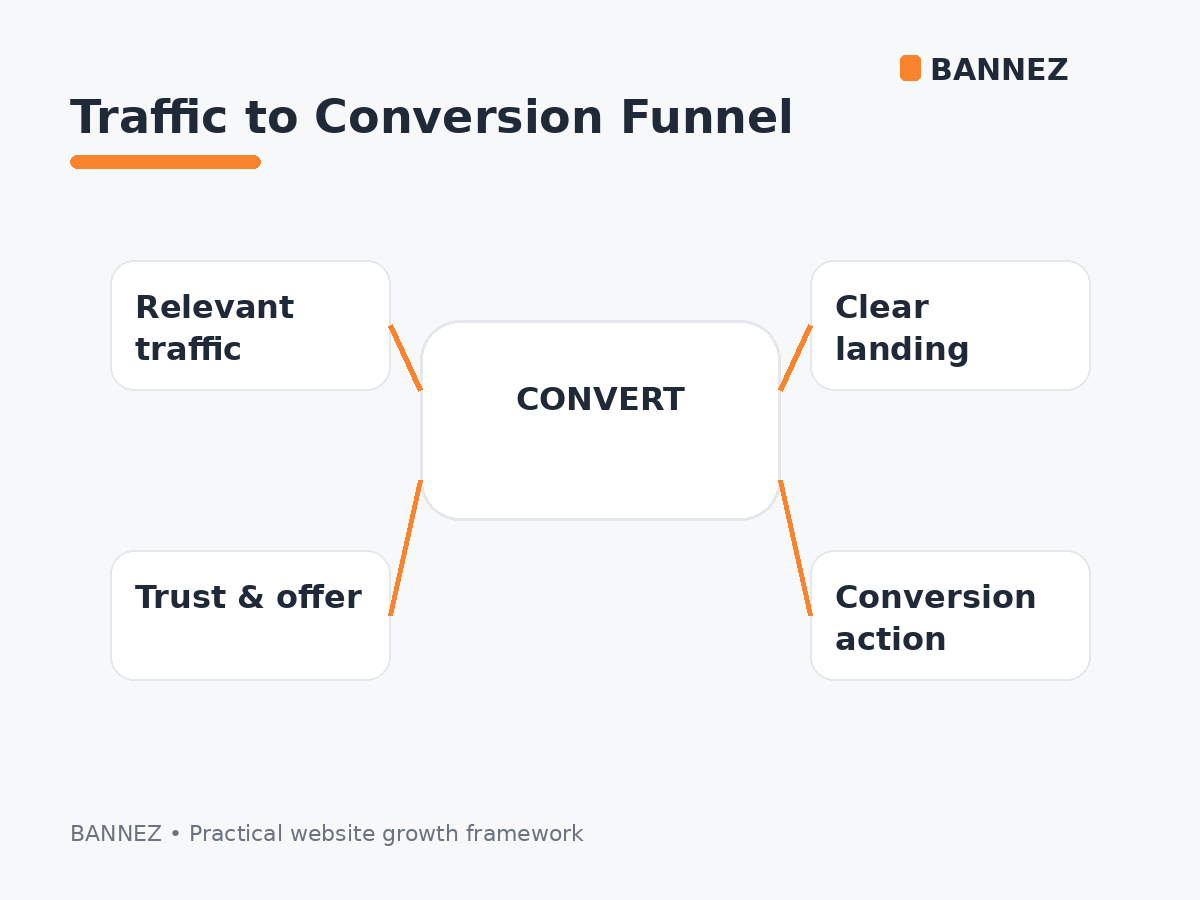
If your site receives traffic but does not generate useful actions, speed should be checked alongside audience relevance, offer clarity, trust, forms, and calls to action. See Why Your Website Gets Traffic but No Conversions.
Website Speed and Google Search
Google includes Core Web Vitals within its broader page-experience systems, but it also clearly states that there is no single page-experience signal that guarantees ranking.
See Google’s page experience guidance. Useful, relevant content and overall search quality remain essential.
Mobile Performance Needs Special Attention
Mobile visitors may have slower networks, lower-powered devices, and smaller screens. Heavy scripts and images can therefore create a much worse experience on mobile than on a powerful desktop computer.

Read Why Mobile-Friendly Website Design Matters.
Common Causes of Slow Websites
| Cause | Possible effect |
|---|---|
| Oversized images | Slow visual loading |
| Too many plugins/scripts | More requests and processing |
| Heavy JavaScript | Slow interaction |
| No caching | Repeated work and downloads |
| Slow hosting/server | Delayed initial response |
| Third-party embeds | Extra network and execution cost |
| Unreserved image/ad space | Layout shifts |
How to Measure Website Speed Properly
Use both lab testing and real-user field data where available. One test run on one device cannot represent every visitor.
Useful tools and data sources
- PageSpeed Insights
- Lighthouse
- Chrome DevTools Performance panel
- Search Console Core Web Vitals report
- Chrome User Experience Report where available
- Your own real-user monitoring
Do Not Optimize Only for a Perfect Score
A high performance score can be useful, but removing important functionality simply to reach 100 is not always the right business decision. Focus on real bottlenecks that affect users and important journeys.
Step-by-Step Speed Improvement Process
- Identify the slowest high-value pages.
- Check field Core Web Vitals when available.
- Run lab tests to find likely causes.
- Optimize images and fonts.
- Remove unused scripts, plugins, and widgets.
- Improve caching and delivery.
- Reduce heavy JavaScript work.
- Reserve space for media and dynamic elements.
- Retest on mobile and desktop.
- Monitor after deployment.
Website Speed Checklist
- Important pages measured
- Mobile performance checked
- LCP reviewed
- INP reviewed
- CLS reviewed
- Images optimized
- Unused scripts removed
- Caching configured
- Third-party tools reviewed
- Forms and CTAs tested after optimization
Frequently Asked Questions
What is a good website loading time?
There is no single loading-time number that describes the whole experience. Use Core Web Vitals and real user behavior to evaluate loading, responsiveness, and stability.
Does website speed affect conversions?
It can. Slow or unstable pages can add friction and increase abandonment, but conversion performance also depends on audience, offer, trust, and page design.
Does a perfect PageSpeed score guarantee better SEO?
No. Page experience is one part of search quality, and Google does not guarantee rankings based on one performance score.
Should I remove all third-party scripts?
No. Keep scripts that provide real business value, but measure their cost and remove tools that are unnecessary or disproportionately heavy.
Conclusion
Website speed affects how quickly visitors can see, understand, and use your site. Focus on real-world loading, responsiveness, and stability rather than one headline score.
Measure important pages, fix the largest bottlenecks, and test again on mobile and desktop. A faster, more stable experience removes one major source of friction from the customer journey.
