
How Website Speed Affects Ad Revenue
Website speed can affect ad revenue, but not through a simple formula such as “one second faster equals a fixed revenue increase.” The connection is indirect: a faster and more stable page can help users stay, scroll, interact and reach ad placements before abandoning the page.
At the same time, ads themselves can add network requests, JavaScript and layout work. Publishers therefore need to optimize the content and ad stack together.

How Website Speed Connects to Ad Revenue
Publisher revenue depends on many factors including traffic, advertiser demand, geography, fill, viewability, formats and impression value. Website performance can influence several of these downstream metrics.
Speed can affect
- How quickly users reach useful content
- Whether users leave before deeper ads load
- How many pages they view
- Whether ad slots render before users scroll past them
- Ad viewability
- Layout stability
- The usability of sticky and responsive ads
1. Slow Pages Can Reduce User Engagement
If the page takes too long to become useful, some users may leave before reading. Fewer engaged page views can mean fewer opportunities to serve ads.
This does not mean every speed improvement will automatically create more page views. Content quality, intent and traffic source still matter.
2. Ads May Load Too Late to Be Seen
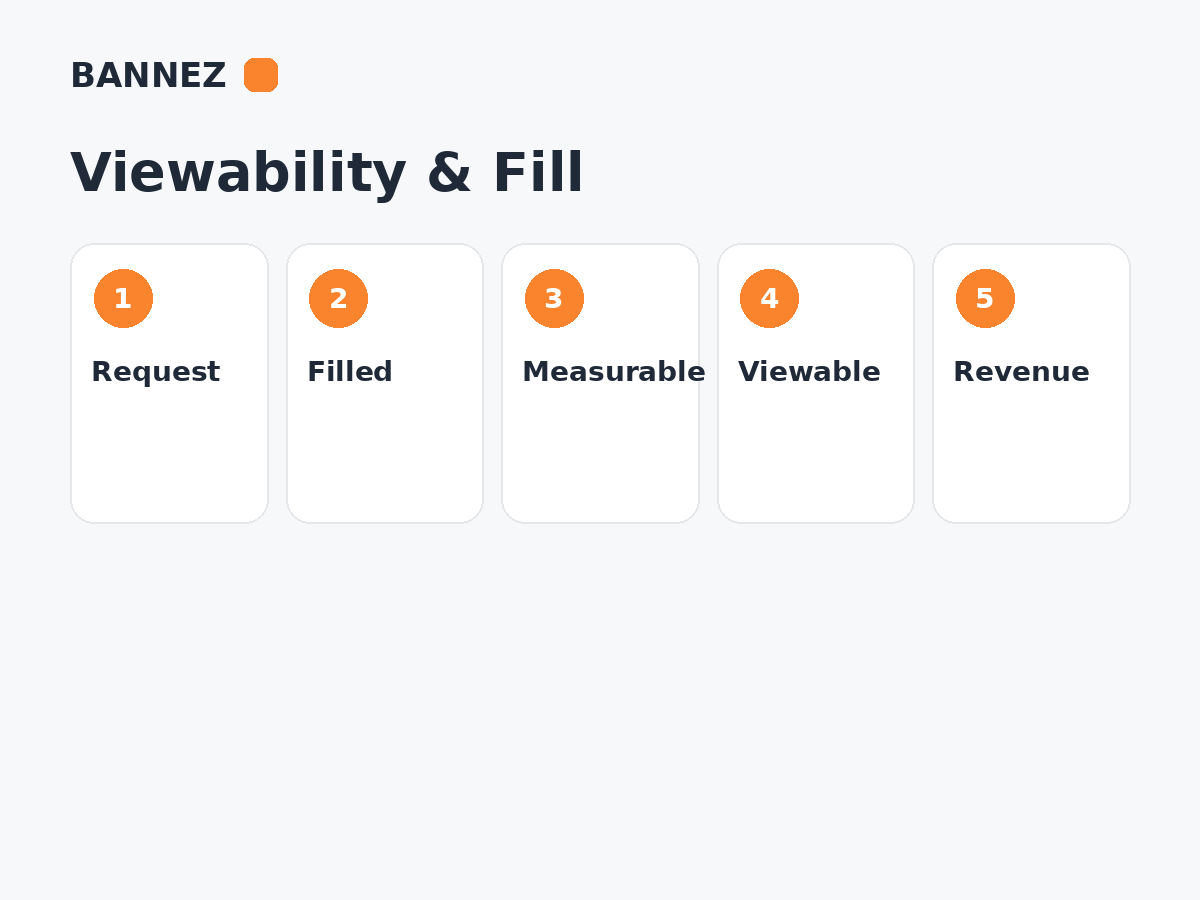
An ad can be requested but become visible only after the visitor has scrolled past its location. Slow rendering can therefore reduce the practical opportunity for an impression to become viewable.
Read What Is Ad Viewability and Why Does It Matter?.
3. Slow Pages Can Reduce Impressions per Session
If a visitor leaves after one slow page instead of reading another article, the website loses potential future page views and ad impressions.
However, increasing pages per session through misleading pagination or forced clicks is not a healthy alternative. The goal is to make useful navigation and content fast enough to continue naturally.
4. Layout Shifts Can Damage Both UX and Ads
Ads that insert space after content has already rendered can move text, buttons and images. This contributes to Cumulative Layout Shift when the movement is unexpected.
Reserve space for known ad containers where practical so the page does not jump when the creative arrives.
5. Heavy Ad Scripts Can Slow the Site
An ad stack can include:
- Ad-serving libraries
- Auction scripts
- Consent tools
- Measurement scripts
- Creative code
- Third-party verification
Each component can add network or CPU work. Review whether every script provides enough value to justify its performance cost.
Core Web Vitals and Publisher Sites
Google’s current Core Web Vitals documentation uses these “good” thresholds at the 75th percentile:
- LCP: 2.5 seconds or less
- INP: less than 200 milliseconds
- CLS: less than 0.1
These metrics evaluate loading, responsiveness and visual stability. They are useful performance targets, but they do not guarantee ad revenue.
For the ad-specific relationship, read How Core Web Vitals and Ads Affect Each Other.
Lazy Loading Ads: Useful but Easy to Misconfigure
Lazy loading can delay below-the-fold ad requests until the user is closer to the slot. This can reduce unnecessary work and improve the share of requested ads that users have a chance to see.
But an ad requested too late may not render before the user scrolls past it. Test the loading distance and timing instead of applying one aggressive lazy-load setting everywhere.
Speed vs Fill Rate
Website speed and ad fill are different metrics. Fill describes whether requests return ads; speed describes how efficiently the page and ad stack load and respond.
A faster page can still have low fill if demand is weak. A slow page can still show high fill while delivering a poor user experience.
Speed vs RPM
A speed change may influence Page RPM indirectly if it changes engagement, impressions per page, viewability or audience behavior. But advertiser demand and traffic mix can move RPM independently of performance.
Use Page RPM and Impression RPM to separate page-view monetization from impression value.
Common Ad-Related Performance Problems
| Problem | Possible impact |
|---|---|
| Ad script blocks main content | Slower loading experience |
| Large ad container appears late | Layout shift |
| Too many above-fold requests | Network/CPU competition |
| Late below-fold ad request | User scrolls past before render |
| Heavy creative | Slow rendering or interaction |
| Multiple duplicate ad libraries | Unnecessary script work and possible errors |
How to Improve Speed Without Breaking Ads
- Measure the page before making changes.
- Identify whether content or ads cause the main bottleneck.
- Optimize images and fonts.
- Remove duplicate or unused scripts.
- Load publisher tags according to supported implementation guidance.
- Reserve space for ad containers.
- Lazy load appropriate below-the-fold slots.
- Exclude critical ad scripts from optimizations that break them.
- Retest ad delivery after every performance change.
- Compare viewability, RPM and Core Web Vitals after deployment.
Do Not Remove Valuable Ads Just to Reach a Score of 100
A performance score is a diagnostic signal, not the business objective. Removing every monetization feature may improve a lab score while destroying revenue.
The goal is to reduce unnecessary performance cost while preserving the ad functionality that provides real value.
Do Not Sacrifice Performance for One Extra Ad
The opposite is also true. One low-value placement can add enough script, layout or visual friction to reduce the quality of the entire page.
Read How Many Ads Should You Place on a Web Page?.
Where Bannez Can Help
If you need approved ad-network code integrated into suitable website positions, you can explore our Website Ad Placement & Ad Network Integration service.
Website Speed and Ad Revenue Checklist
- Core Web Vitals measured
- Mobile performance checked
- Ad scripts inventoried
- Duplicate scripts removed
- Ad space reserved
- Lazy loading tested
- Ads still serve after optimization
- Viewability compared
- Page RPM compared
- Total revenue compared
- User engagement reviewed
Frequently Asked Questions
Does a faster website always earn more ad revenue?
No. Speed can improve conditions that support engagement and ad visibility, but earnings also depend on traffic, demand, geography, formats and many other factors.
Can ads hurt website speed?
Yes. Ad libraries, auctions, creatives and measurement scripts can add network and processing work, especially when poorly implemented.
Should I lazy load every ad?
No. Below-the-fold ads can benefit from lazy loading, while important near-viewport ads may need different timing. Test the actual user journey.
Can optimization plugins break ads?
Yes. Script delay, combination, rewriting or aggressive caching can sometimes interfere with ad code. Retest delivery after performance changes.
Conclusion
Website speed affects ad revenue indirectly through engagement, ad rendering, viewability, impressions and the overall quality of the page experience. It is an important part of monetization, but not the only one.
Optimize the content and ad stack as one system. Keep ads that create value, remove unnecessary performance costs, and measure Core Web Vitals, viewability and revenue together after every meaningful change.
