

How Many Ads Should You Place on a Web Page?
There is no universal number of ads that is right for every web page. A short product page, a 3,000-word article, a forum thread and a news homepage have completely different layouts and user journeys.
The better question is: how many ads can this page support without making the content difficult to read, use or trust? Publishers should balance monetization with content length, device size, viewability, speed and platform rules.
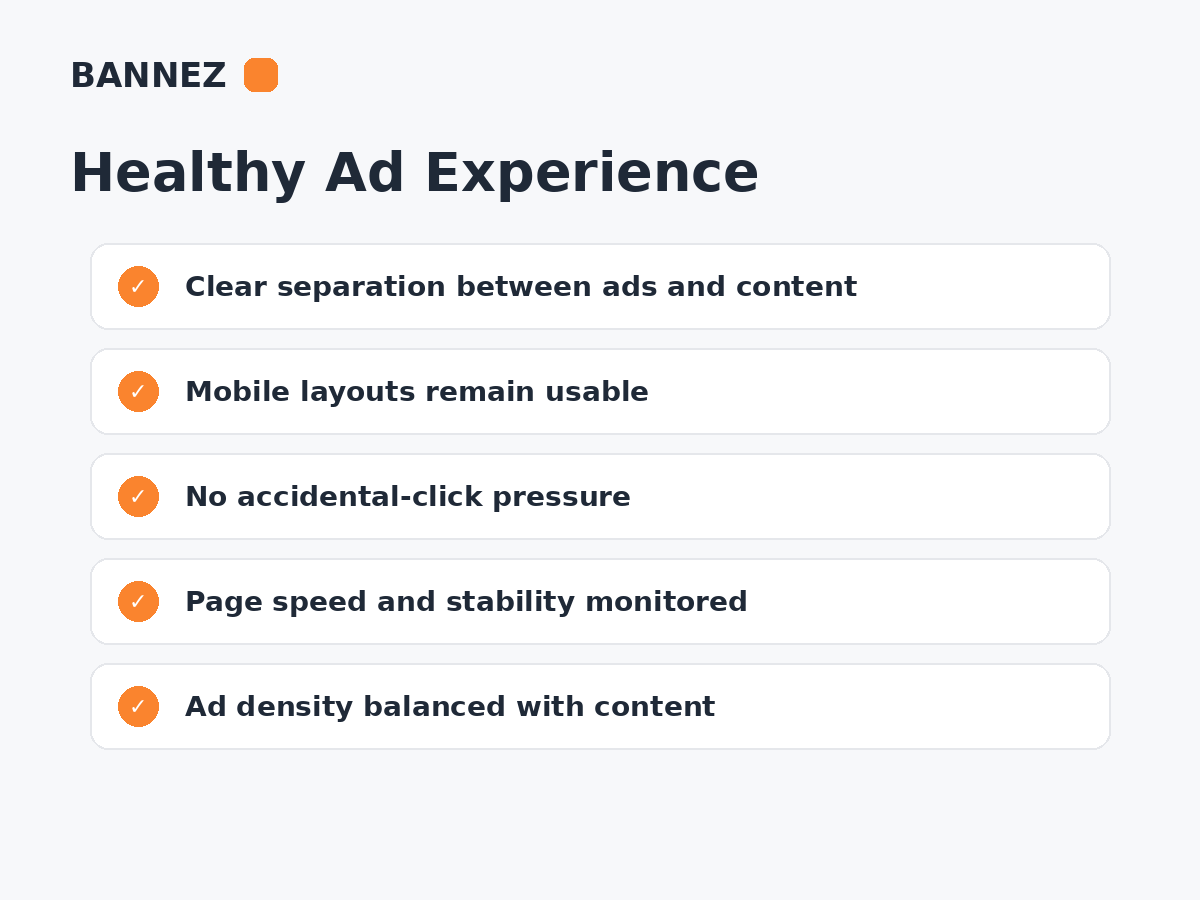
There Is No Single Best Ad Count
Older publisher advice sometimes used fixed numbers such as three ads per page. Modern ad systems, responsive formats and automatic placements make a simple universal count less useful.
Instead, evaluate the complete page experience and the policies of the ad product you use.
Start With the Amount of Useful Content
Ads should support the business model without becoming the main content of the page. A long article can naturally support more separated ad opportunities than a short page with only a few paragraphs.
Ask these questions
- Is there enough useful content between ads?
- Can visitors identify the main content immediately?
- Do ads interrupt important instructions or forms?
- Does the page still feel readable on mobile?
- Are ads clearly separated from navigation and controls?
Ad Density Matters More Than Raw Count
Five ads spread through a very long article can feel lighter than three large ads crowded into the first screen. Count alone does not describe the user experience.
Review how much of the visible viewport is advertising, especially on phones.
Sticky Ads Need Extra Care
Google Ad Manager’s current sticky ad guidelines state that ads, including sticky ads, should occupy less of the viewport than the content. Sticky formats must also meet additional implementation requirements.
Read Sticky Ads vs Display Ads for more detail.
More Ads Do Not Automatically Mean More Revenue
Additional ad slots can increase ad requests and possible impressions, but the incremental inventory may have lower viewability or value. More ads can also slow the page and reduce engagement.
Possible effects of too many ads
- Lower viewability per slot
- More JavaScript/network work
- Longer load time
- More layout movement
- Higher accidental-click risk
- Content becomes harder to scan
- Visitors leave earlier
Consider Page Length
A useful starting approach is to create ad positions around natural content breaks instead of using a fixed interval that ignores the article structure.
Short pages
Use fewer placements. The primary content should remain dominant.
Medium articles
One or more in-content positions may fit when they are separated by useful sections.
Long-form content
More positions may be possible, especially when lazy loaded, but measure whether users actually reach them and whether the ads remain viewable.
Consider Mobile Separately
A desktop page may have room for a sidebar and several in-content units. On mobile, the same ads stack into a single narrow column and can feel much heavier.
- Test the first screen.
- Check space between consecutive ads.
- Make sure sticky elements do not overlap.
- Check that buttons and links are not too close to ads.
- Review page speed on real mobile conditions.
Auto Ads Can Control Ad Load Dynamically
AdSense Auto Ads provides an ad-load control rather than requiring a fixed global number. The preview lets publishers review automated placement behavior and excluded areas.
See Google’s Auto Ads settings guide and our Auto Ads vs Manual Placement comparison.
Do Not Place Ads Where Accidental Clicks Are Likely
Keep ads away from navigation, play buttons, downloads, form controls and other elements where a user could click an ad by mistake.
The goal is legitimate advertiser engagement, not accidental interaction.
How Ad Count Affects Viewability
A page can create many impressions while only a smaller share is viewable. If users rarely reach the final placements, those extra units may create low-quality inventory.
How Ad Count Affects Page Speed
Each extra slot can add network, rendering and auction work. The exact impact depends on the implementation and demand stack.

Read How Core Web Vitals and Ads Affect Each Other.
A Practical Ad Placement Method
- Identify each page type.
- Measure typical content length.
- Choose only natural ad breaks.
- Keep the first screen content-focused.
- Add responsive rules for mobile.
- Use lazy loading for appropriate below-the-fold placements.
- Measure viewability by unit.
- Compare Page RPM and total revenue.
- Measure Core Web Vitals and engagement.
- Remove placements that add little value but significant friction.
Example Ad Planning Table
| Page type | Planning approach |
|---|---|
| Short landing page | Very limited advertising; protect the main conversion path |
| Standard blog article | Use selected natural in-content breaks |
| Long-form article | More opportunities may be possible if separated and measured |
| Homepage | Prioritize navigation and content discovery |
| Tool/account page | Avoid interfering with important interactions |
Where Bannez Can Help
If you need professional help integrating ads into suitable website locations, you can explore our Website Ad Placement & Ad Network Integration service.
Ad Density Checklist
- Main content remains dominant
- No arbitrary fixed ad count used
- Mobile tested separately
- Ads separated from controls
- Sticky formats follow rules
- Viewability measured
- Page speed measured
- Layout shifts minimized
- RPM compared with total revenue
- Low-value placements removed
Frequently Asked Questions
Is there a maximum number of AdSense ads per page?
Do not rely on an old universal number. Use current publisher policies, Auto Ads controls where applicable, and make sure advertising does not overwhelm useful content.
Will adding one more ad increase revenue?
It may create additional inventory, but the resulting impression value, fill, viewability and user impact determine whether it improves total revenue.
How far apart should ads be?
There is no universal pixel distance. Use enough useful content and visual separation that the page remains easy to read and ads cannot be confused with controls.
Should every page use the same ad layout?
No. Different page types can have different content length, intent and interaction needs.
Conclusion
The right number of ads is the number a page can support while useful content remains dominant, ads remain viewable and the website stays fast enough and easy to use.
Plan by page type instead of forcing one count across the site. Measure each placement and remove ad slots that add more friction than value.
