
Why Your Blog Posts Are Not Getting Organic Traffic
Publishing a blog post does not guarantee organic traffic. A page can be well written and still receive few search visits if Google cannot discover it, the topic has little demand, the content misses search intent, competitors provide stronger answers, or the search snippet fails to attract clicks.
The fastest way to improve the situation is to diagnose the problem in stages instead of assuming you simply need more keywords.
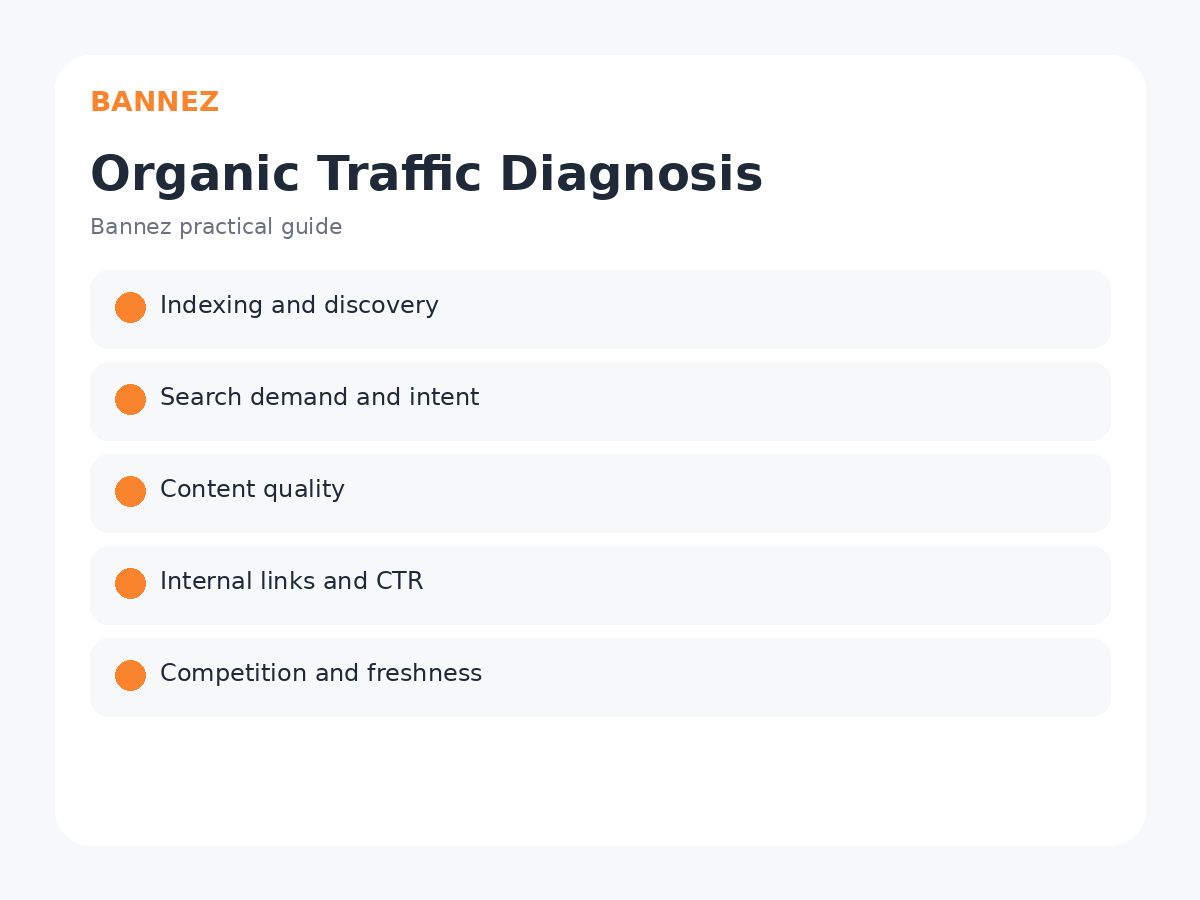
1. Check Whether the Page Is Indexed and Discoverable
If a page is not indexed, it cannot receive normal Google Search traffic. Review technical settings, robots directives, canonical URLs, internal links and sitemap coverage before rewriting the article.
2. Check Whether People Search for the Topic
An excellent article about a topic with very little search demand may naturally receive limited organic traffic. Keyword research and Search Console data can help you understand whether people use the phrases you expected.
Read our guide on choosing keywords for a blog post before targeting new topics.
3. Make Sure the Article Matches Search Intent
A common problem is answering a different question from the one searchers have. A broad essay may not satisfy a query looking for a step-by-step tutorial, while an aggressive service page may not match an informational query.

Our search intent guide explains how to match article format to user needs.
4. Review Content Quality and Original Value
If your article says the same things as dozens of existing pages without clearer explanations, examples, first-hand knowledge, data, or useful structure, users have little reason to prefer it.
Google’s people-first content guidance emphasizes useful, reliable content created for an intended audience.
5. Check Whether the Topic Is Too Competitive
Some queries are dominated by established sites, original research, major brands, or highly specialized resources. That does not mean you should never cover the topic, but you may need a more specific angle or stronger expertise.
6. Improve Internal Linking
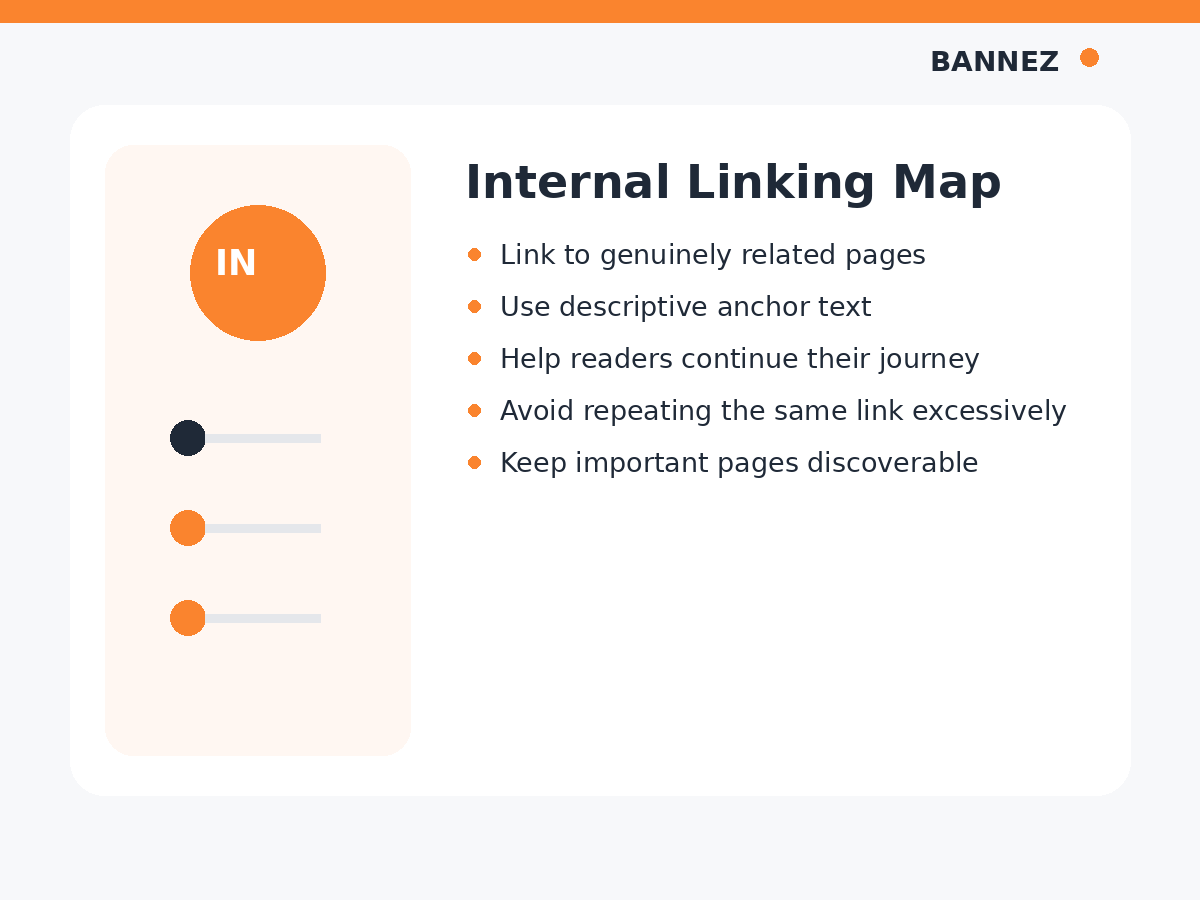
Important articles should not be isolated. Link to them from relevant posts, category pages, pillar guides or navigation structures. Internal links also help readers continue through related topics.
7. Review the SEO Title and Search Snippet
If a page receives impressions but few clicks, the title may be unclear, too generic, or poorly matched to the query. Search Console can help identify high-impression, low-click pages.
The official Search Console Performance report guidance explains how to review queries, pages, impressions, clicks and CTR.
8. Check for Keyword Cannibalization
If several pages on your site target nearly the same intent, they may compete for the same queries and create a confusing content library. Consolidate overlapping pages when one stronger resource would serve users better.
9. Update Outdated Content
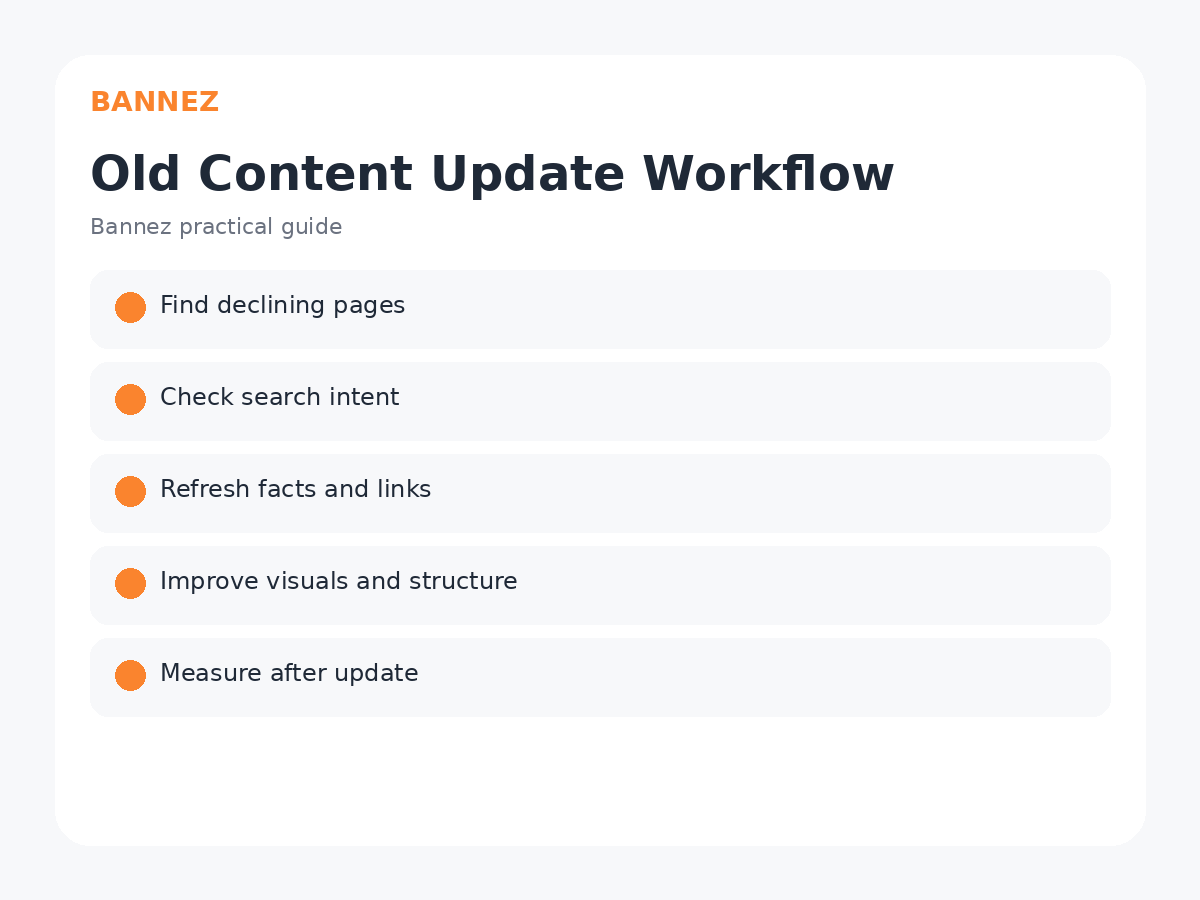
Old screenshots, outdated platform instructions, broken sources, expired pricing and old examples can reduce usefulness. Use our guide on updating old blog posts to refresh valuable pages.
10. Check Page Experience and Mobile Usability
A page that is difficult to read, slow, overloaded with intrusive elements, or broken on mobile can lose users even when the content is relevant. Test the article as a real visitor.
11. Give New Pages Time
New pages may take time to be crawled, indexed and evaluated. Avoid making major changes every few days based on tiny data samples.
12. Do Not Confuse Paid or Direct Traffic With Organic Rankings
Traffic from ads, referrals, social networks or direct visits can help a business reach people, but it does not automatically make a page rank higher in organic search. Evaluate each acquisition channel for its own purpose.
Organic Traffic Diagnosis Table
| Problem | What to check |
|---|---|
| No impressions | Indexing, demand, topic relevance |
| Impressions but few clicks | Title, snippet, query match |
| Clicks but weak engagement | Intent, content quality, usability |
| Traffic declining | Freshness, competition, changing demand |
| Several similar pages | Cannibalization and consolidation |
Step-by-Step Organic Traffic Checklist
- Confirm the page is indexable.
- Review Search Console queries and impressions.
- Check search demand and intent.
- Compare content quality with current results.
- Improve the title and introduction.
- Add missing useful sections.
- Strengthen internal links.
- Update facts, sources and visuals.
- Check mobile usability.
- Measure after changes.
Frequently Asked Questions
Why does my article have impressions but no clicks?
The title or snippet may not be compelling, the page may rank too low, or the result may not match the query well. Use query-level Search Console data to investigate.
Should I add more keywords if traffic is low?
Not automatically. First diagnose indexing, intent, quality, competition and content structure.
How long does SEO traffic take?
There is no guaranteed timeline. Discovery and performance depend on many factors including the website, topic, competition and content quality.
Need Stronger SEO Content?
If existing posts need better structure, visuals and authoritative references, explore our SEO Content Writing with Images & Authority Links service.
Conclusion
When blog posts are not getting organic traffic, diagnose the problem in order: discovery, demand, intent, quality, competition, links, search snippets, freshness and usability.
Use real Search Console data instead of guessing. The right fix depends on where the page is failing, and sometimes improving an existing article is more effective than publishing another one.
